Set up a Zulip bot
This guide creates a generic bot in a Zulip organization, subscribes it to a channel, and checks the connection with Chatom’s examples. Any member can create a bot unless the organization’s administrators have limited who may add bots.
Create the bot
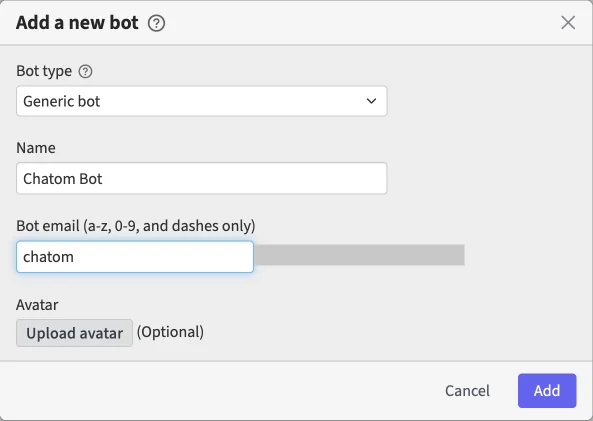
In Zulip, open Personal settings → Bots and select Add a new bot. Choose Generic bot, give it a name, and pick the start of its email address. Zulip adds -bot and the organization’s domain to that name. Select Add.
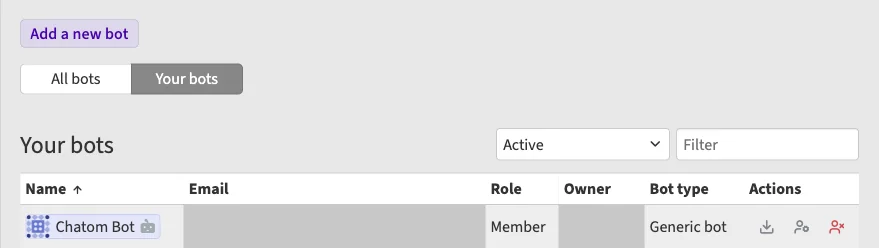
The bot appears under Your bots.
Get the API key
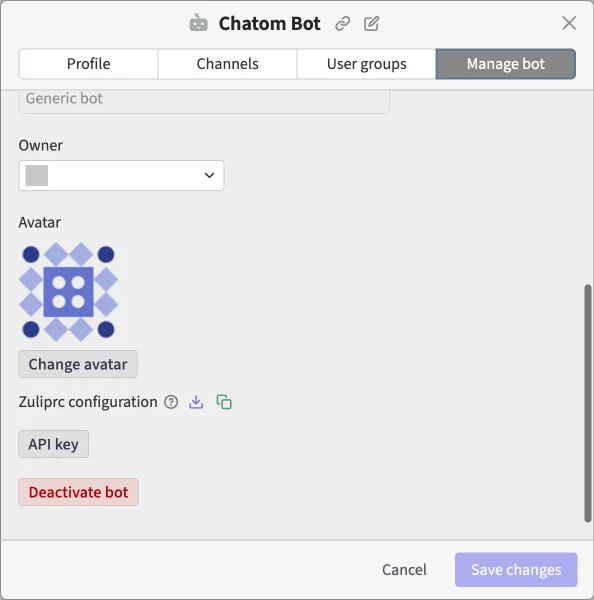
Select the bot’s manage icon under Actions and open the Manage bot tab. Download the Zuliprc configuration, which contains the site, the bot’s email, and its API key, or select API key to show the key on its own. Keep either one in your secret store.
Subscribe the bot to channels
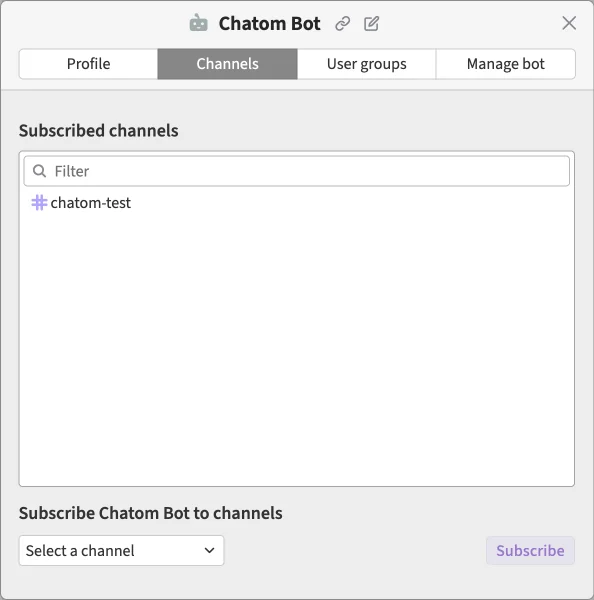
A bot only receives messages from channels it is subscribed to. Open the Channels tab, choose a channel under Subscribe Chatom Bot to channels, and select Subscribe.
Connect with Chatom
pip install chatom zulip
Point the config at the downloaded zuliprc:
from chatom.zulip import ZulipBackend, ZulipConfig

backend = ZulipBackend(config=ZulipConfig(config_file="/path/to/zuliprc"))
Or pass the values directly:
import os

from chatom.zulip import ZulipBackend, ZulipConfig

backend = ZulipBackend(
    config=ZulipConfig(
        site="https://example.zulipchat.com",
        email="chatom-bot@example.zulipchat.com",
        api_key=os.environ["ZULIP_API_KEY"],
    )
)
When both are set, the zuliprc wins. Messages sent to a channel without a thread go to the chatom topic; change it with default_topic.
Check the setup
Set either ZULIP_CONFIG_FILE or the three explicit values, plus the test channel, and run the examples from a shell:
export ZULIP_CONFIG_FILE=/path/to/zuliprc
# or: export ZULIP_SITE=... ZULIP_EMAIL=... ZULIP_API_KEY=...
export ZULIP_TEST_CHANNEL_NAME=chatom-test

python -m chatom.examples.basic_connection --backend zulip
python -m chatom.examples.send_message --backend zulip
python -m chatom.examples.listen_for_messages --backend zulip --timeout 60
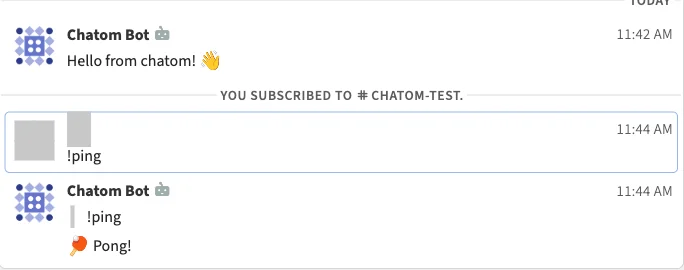
send_message posts a greeting in the channel. While listen_for_messages runs, send !ping, !help, or !dm in the channel and the bot answers.